
IS Tools Video Tutorials – Step by Step Guides & Training
Learn How to Use IS Tools Efficiently
Welcome to the official IS Tools video tutorial page — your complete resource for learning how to use IS Tools. Whether you're a new user getting started or an experienced administrator looking to optimize workflows, our step-by-step video guides will help you master every feature of the platform.
Why Use IS Tools Video Guides?
Using video tutorials is the fastest way to understand how IS Tools works in real-world scenarios. Instead of reading lengthy manuals, you can follow along visually and apply what you learn immediately.
Faster onboarding for new users
Reduced learning curve
Improved efficiency and productivity
Better system utilization
Ongoing education as new features are released frequently
Your IS Tools Learning Path
How to create Business applications in minutes. Step by step short tutorial.
How to create an application in a snap in two main steps.
REST API Tutorial - Coffee & Questions
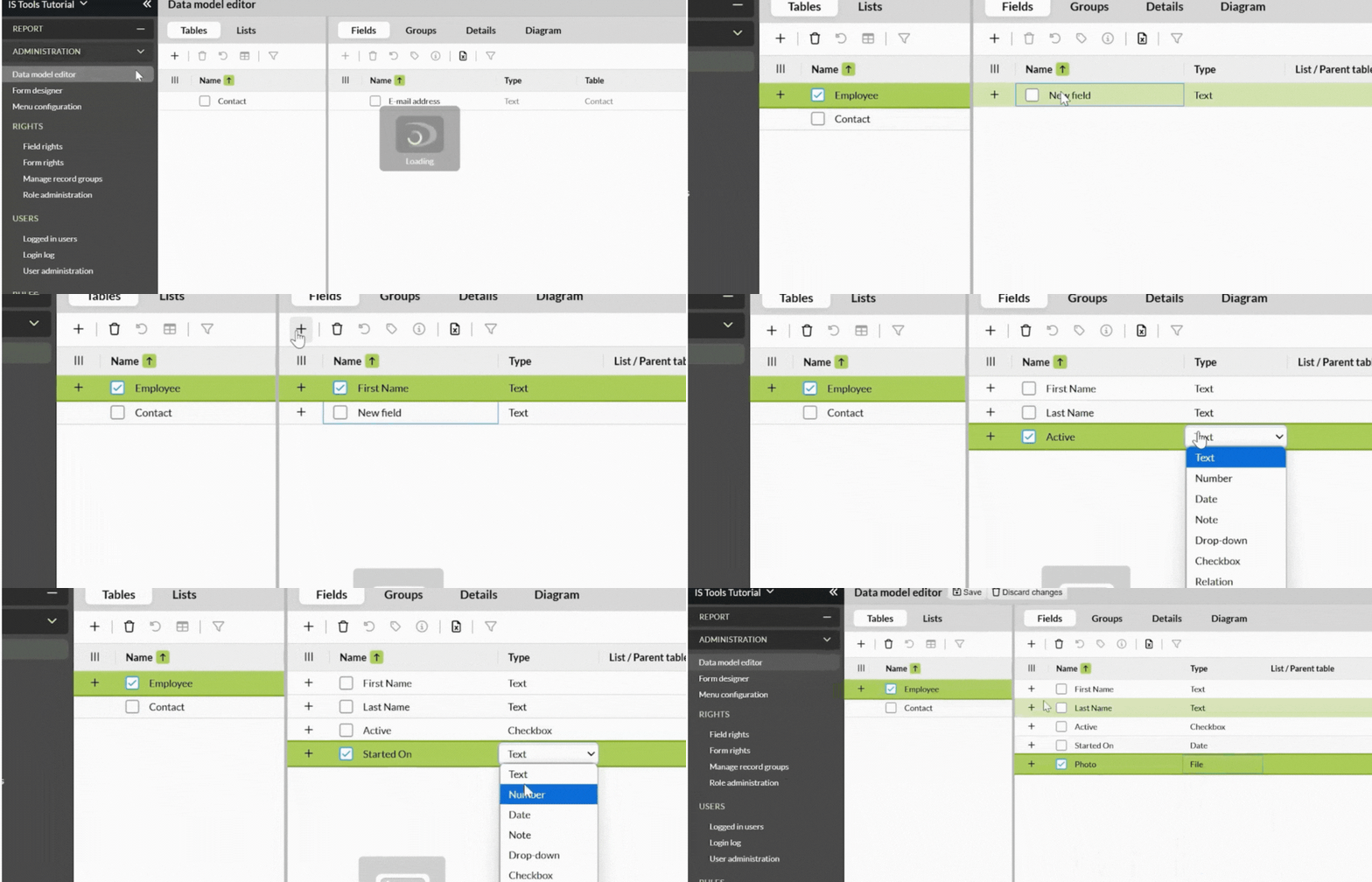
Getting Started Part 1 (DME).
Getting Started Part 2 (Form Designer).
Getting started Part 3 (IQL Chapter 1/2)
Getting started Part 3 (IQL Chapter 2/2)
Challenge: Getting Started Tutorials
Support
Need Help? We’re Here for You. Please fill the form below.